Your script, right beside the lens.
Words scroll by the camera while you record on iPhone and iPad.

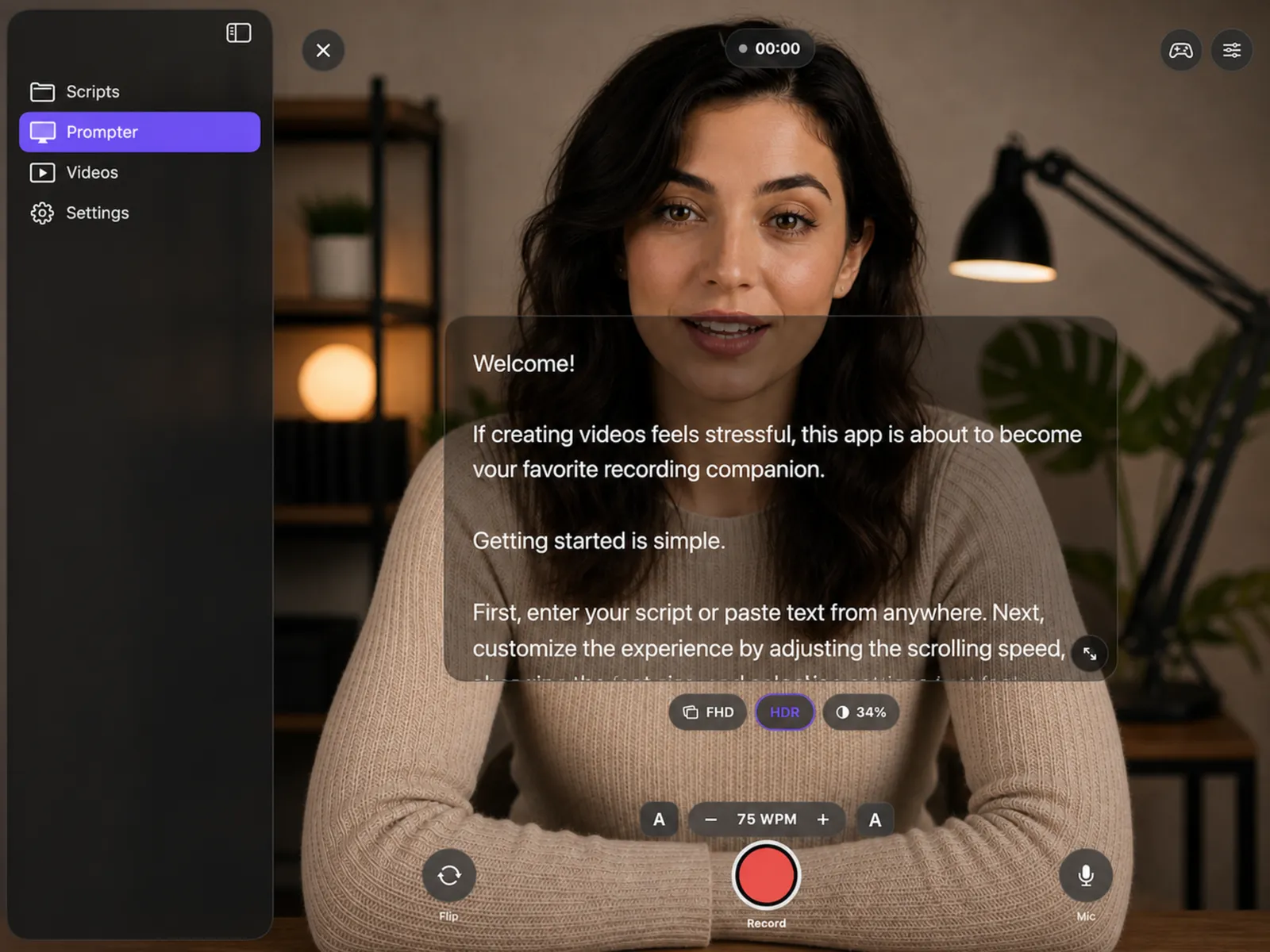
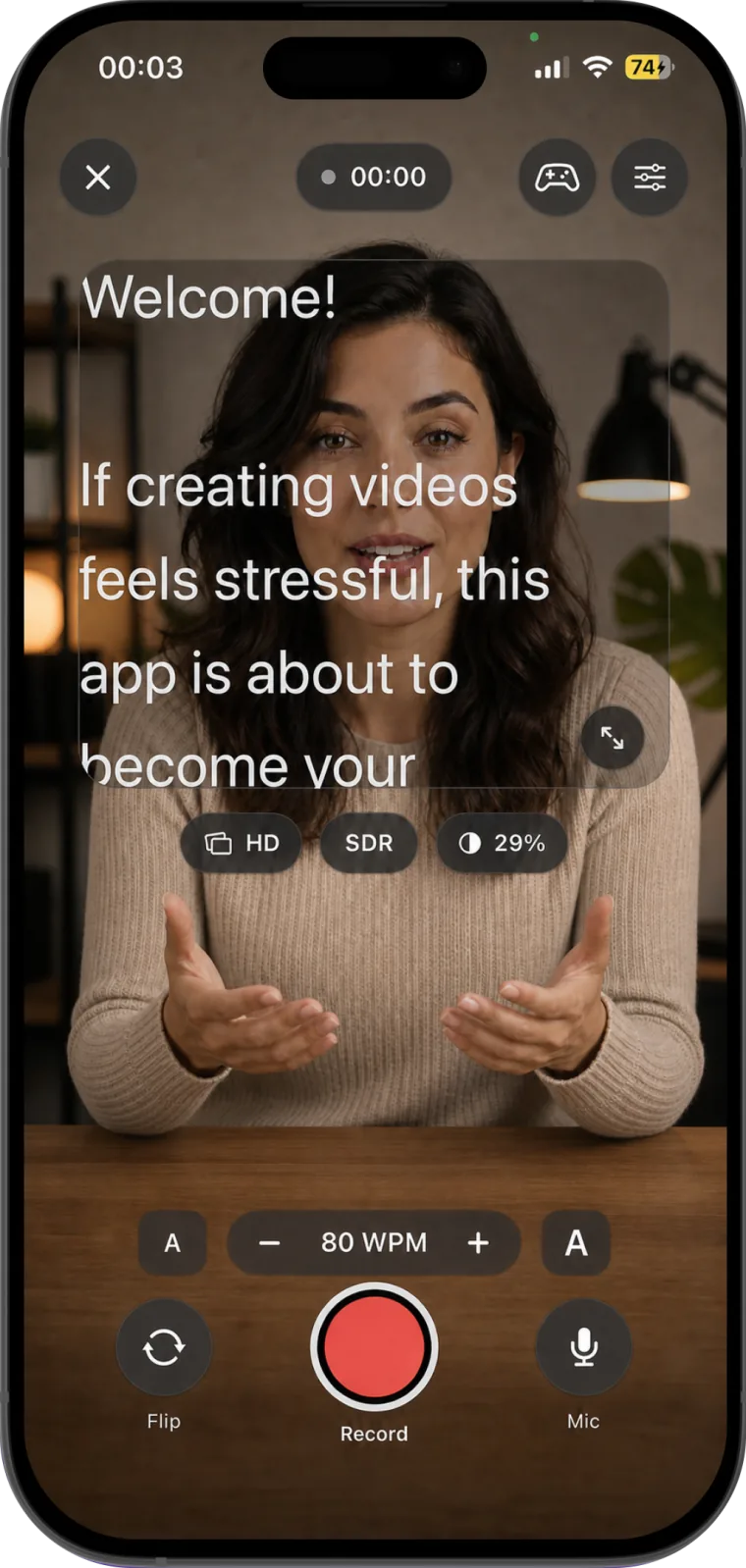
Read along at 80 words a minute.
That is the app's starting speed. Press play, then change it until you stop waiting for the next line.
Four tabs, one take.
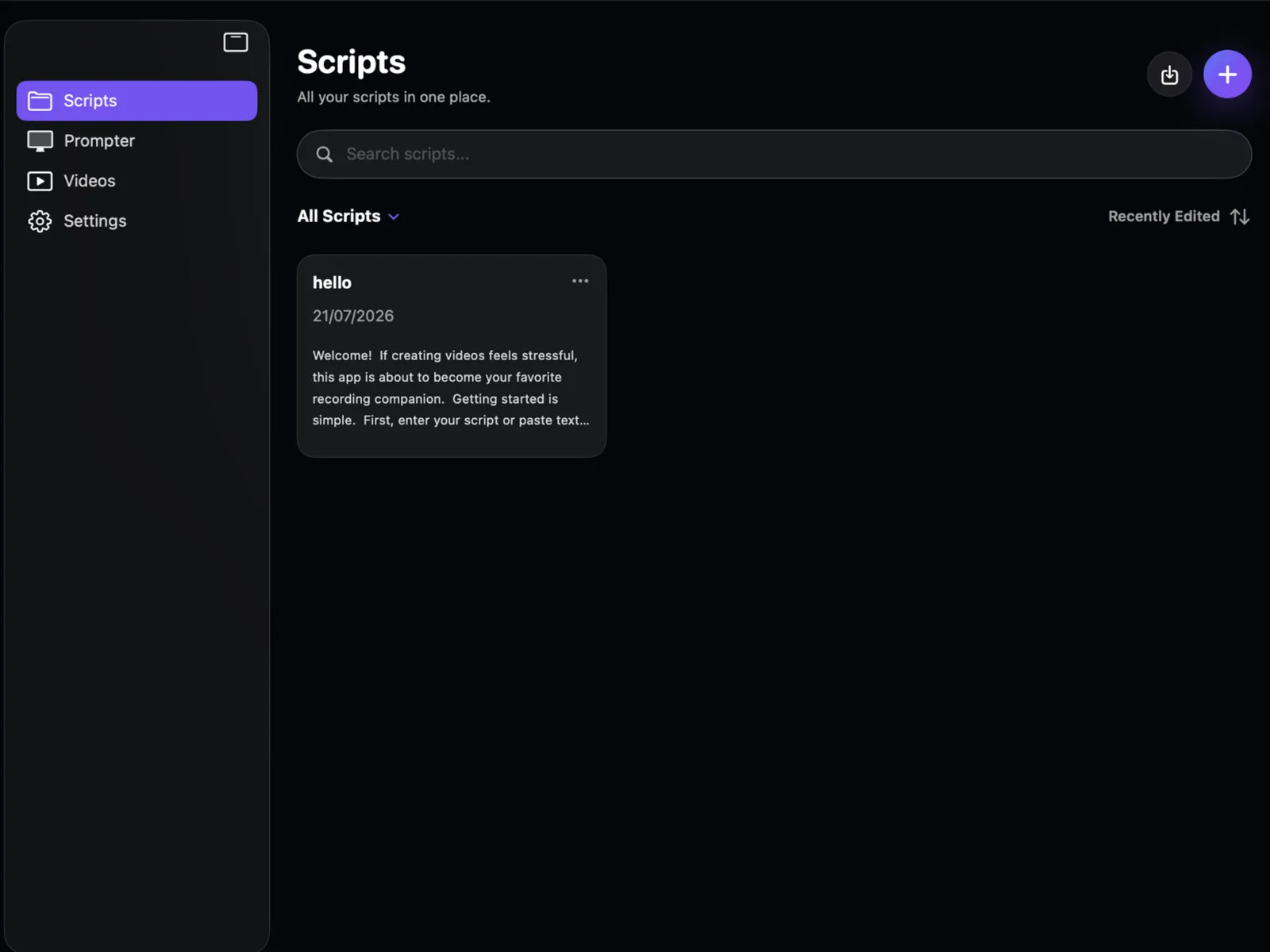
Write it, paste it, or import it.
- Import
- Paste text from anywhere, or bring in a .txt or .rtf file.
- Organize
- Search, pin, and sort by recently edited or opened.
- Plan
- Every script shows its word count and read time.
The script sits by the lens.
- Speed
- Set in words per minute, nudged live, saved as presets.
- Reading
- Text size, mirror, card size, and opacity from clear to black.
- Takes
- A 3-second countdown, then pause and resume into one file.
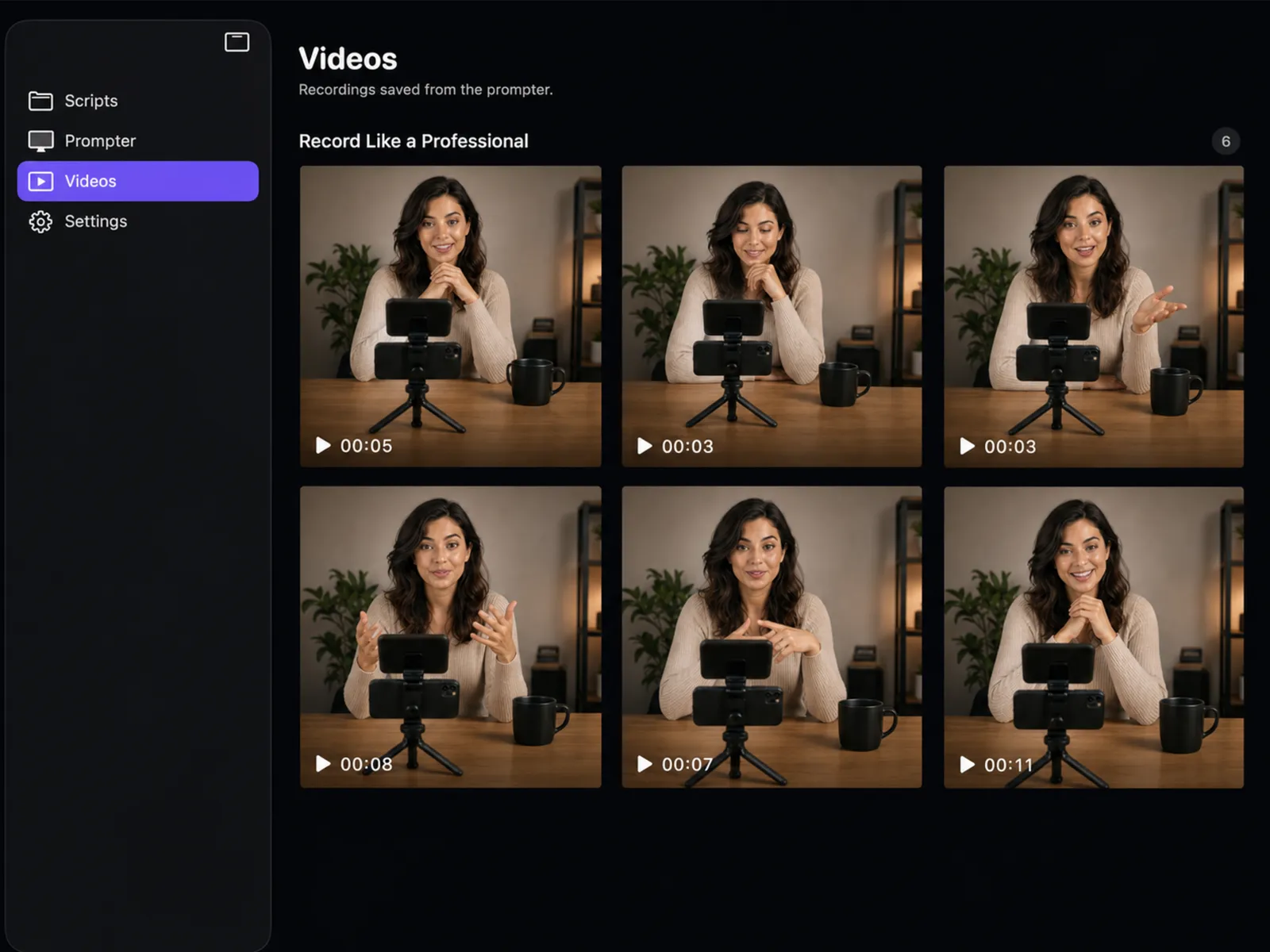
Takes filed under their script.
- Grouped
- Recordings collect under the title of the script you read.
- On device
- No account. Footage stays on your iPhone or iPad.
- Out
- Save to Photos or share when the take is right.
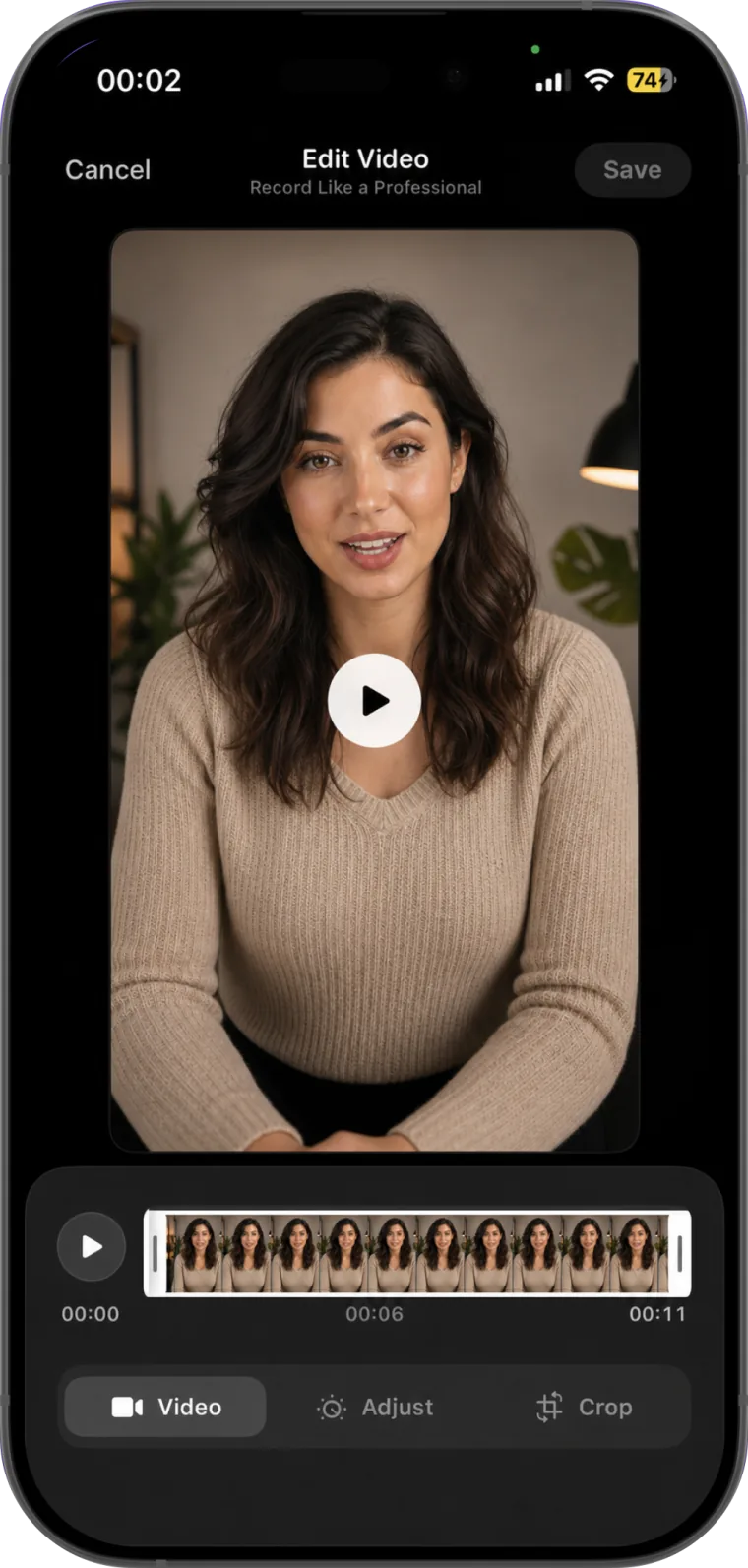
Trim the start, crop to vertical.
- Cut
- Trim, crop to vertical, square, or wide, and flip.
- Look
- Vivid, Warm, Cool, Mono, Cinematic and more filters.
- Adjust
- Exposure, contrast, color, and warmth.
Shot in 4K, steered from across the room.
- Hands-free
- Bluetooth remote, keyboard or foot pedal, or a game controller.
- Second screen
- Show the prompt on an AirPlay or HDMI display.
- Glass rigs
- Mirrored text for teleprompter glass.
Who reads from it.
- Creator videosYouTube, Reels, TikTokRead the setup
- Lessons and coursesSteps in order
- Work updatesClients and teams
- Speeches and pitchesRehearsal at pace
- Podcast intros and ad readsExact wording
Guides to reading on camera.
Before you download.
Can I read a script and record video on the same iPhone?
Yes. The script scrolls over the live camera preview, next to the lens, while the app records video and microphone audio on the same iPhone or iPad. Pause and resume keep the take in one video file.
How do I control the teleprompter speed?
Speed is set in words per minute. The default is 80 WPM, and you can raise or lower it while recording or save speed presets. Text size, mirrored text, the size of the script card and its opacity are adjustable too.
Where are my scripts and videos stored?
On your device. The app does not need an account, and recordings stay in the app until you save them to Photos or share them.
Teleprompter for video: Studio
iPhone and iPad, iOS 18 or later. In 11 languages.